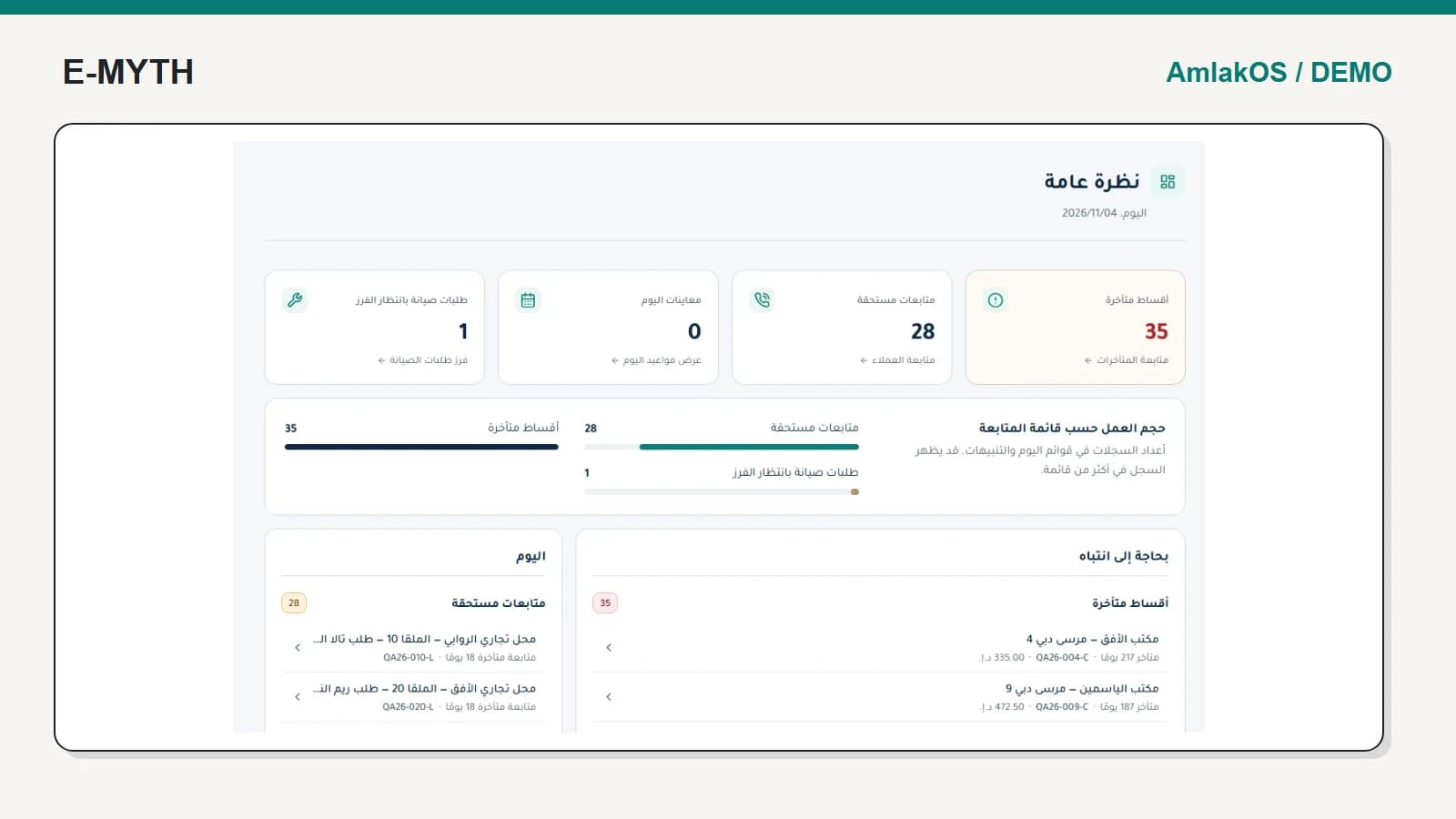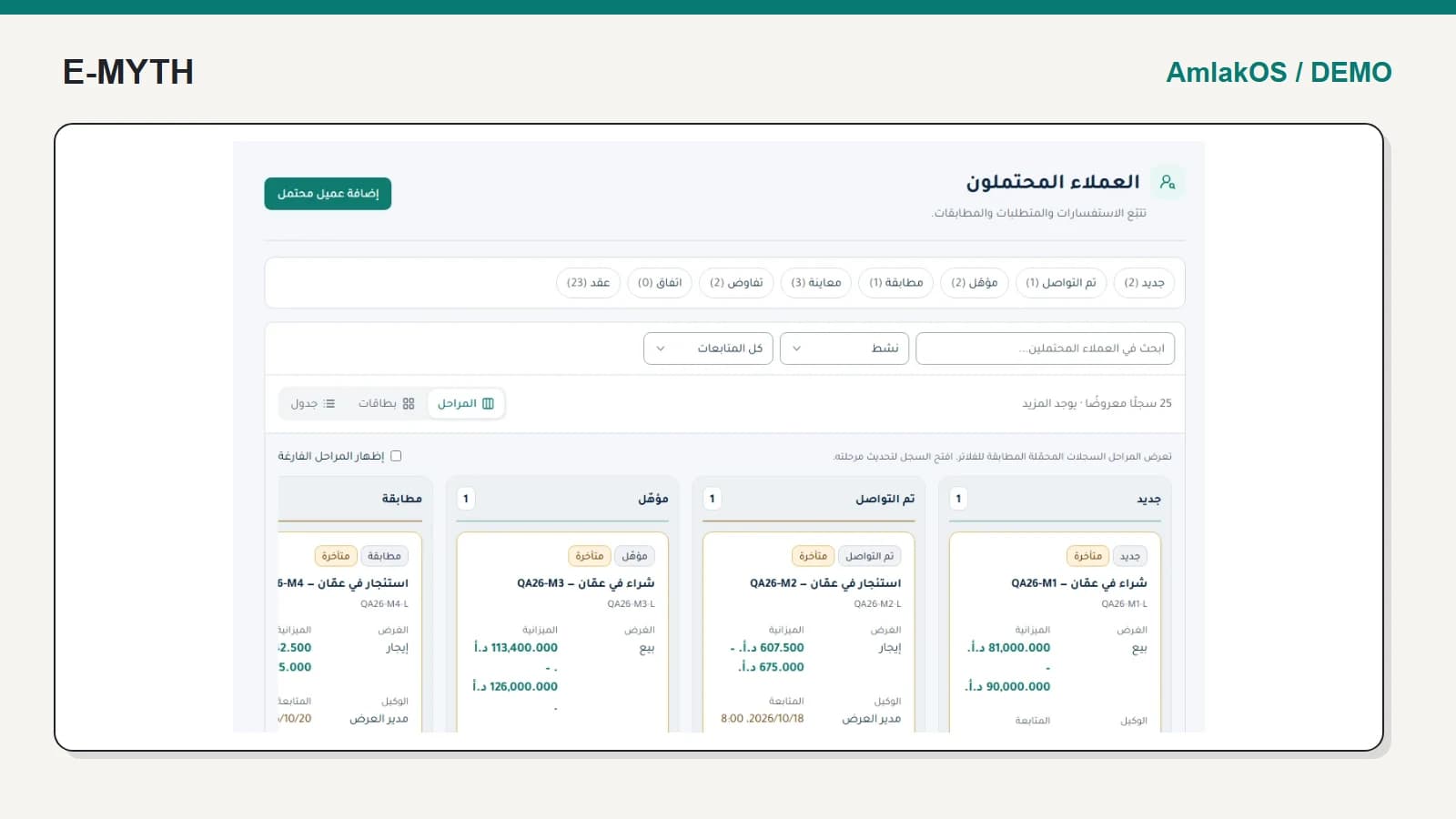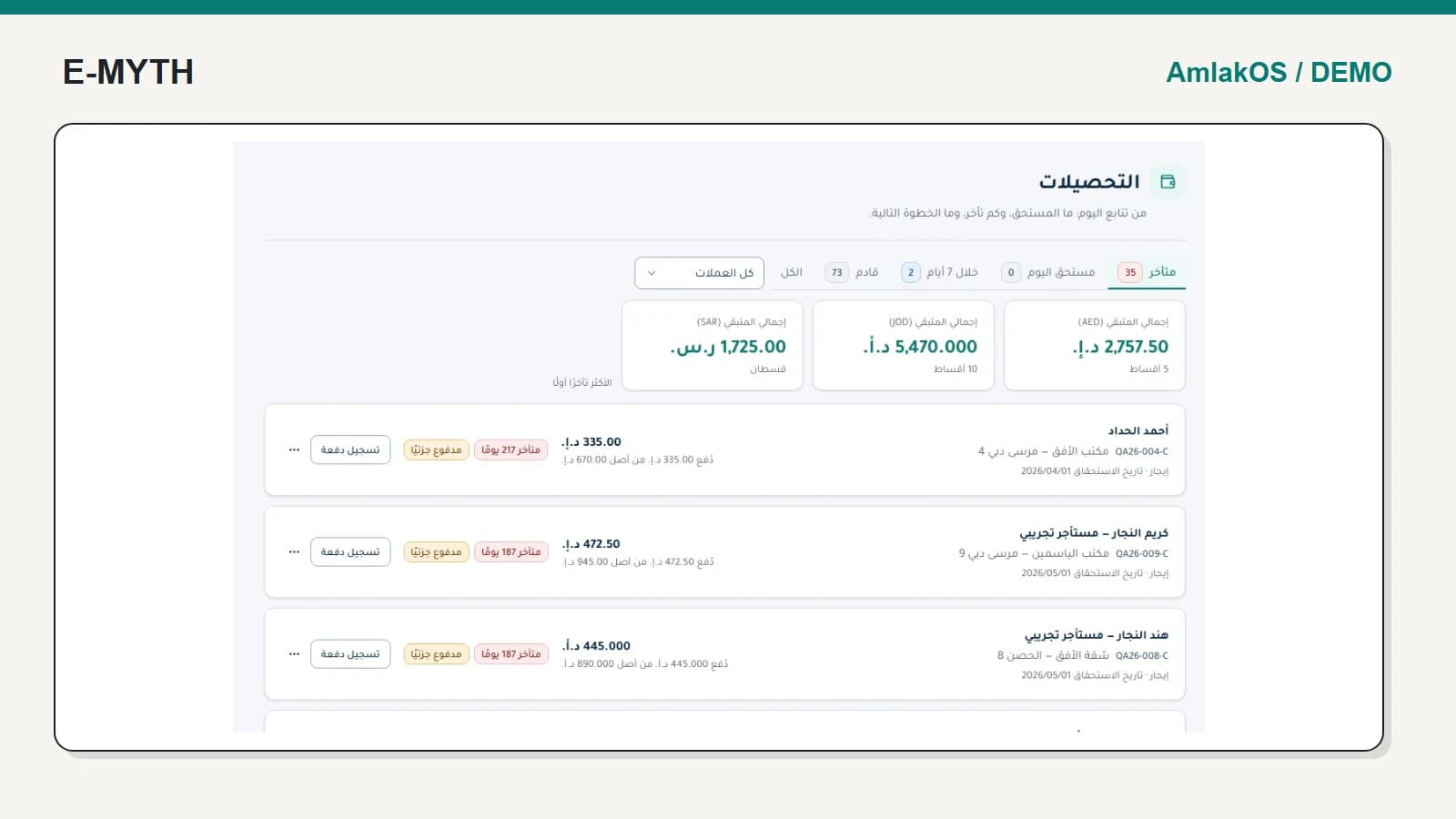

A maintenance request should answer what happened, where it happened, who is responsible and what must happen next. A chat message may report the problem, but it does not reliably connect the visit, work and final resolution.
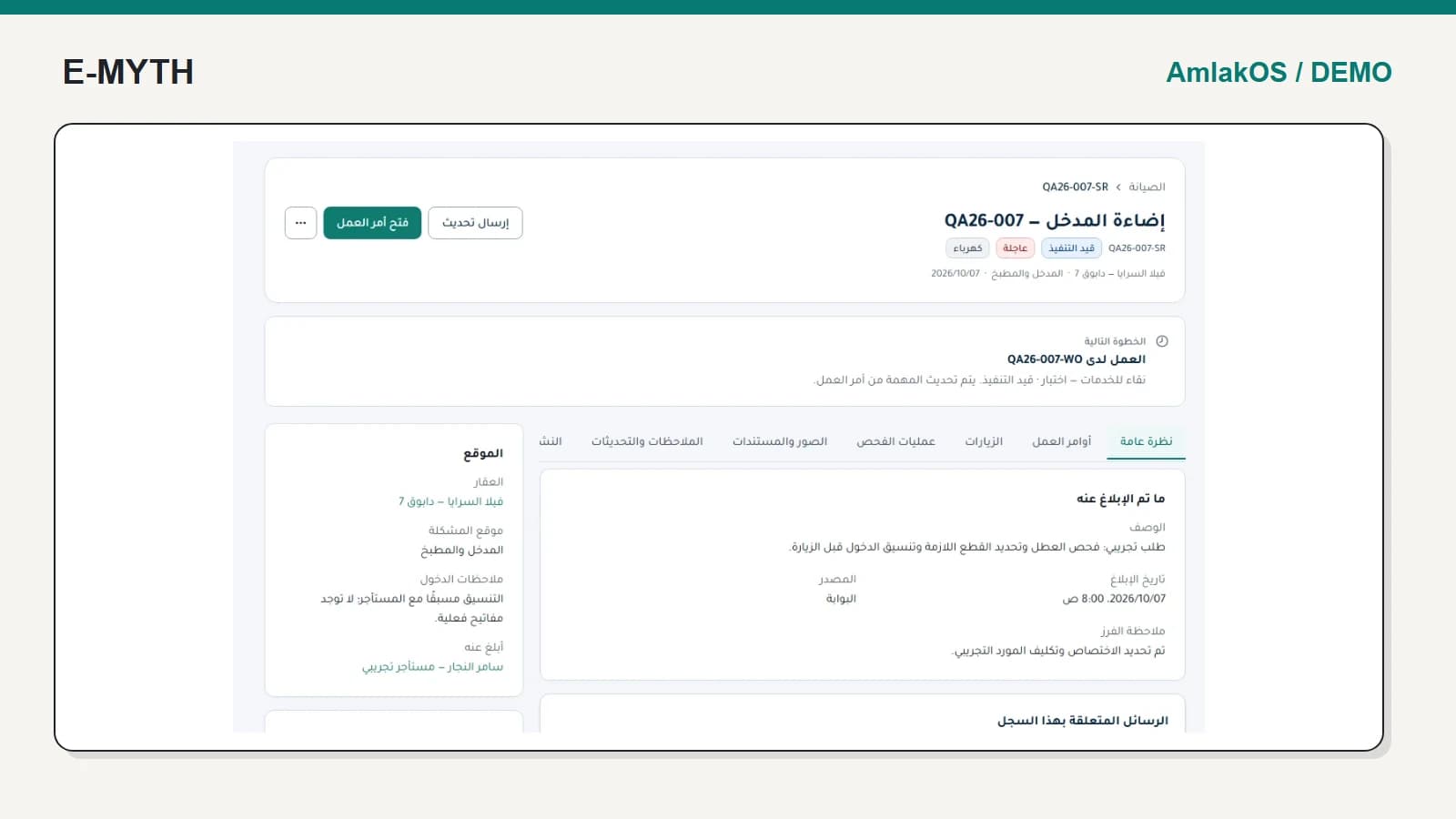
We follow the same synthetic AmlakOS request, QA26-007-SR, into work order QA26-007-WO. These are actual local demo screens. The example concerns an entrance-lighting issue and a visit whose time has passed without a recorded outcome.
Step 1: give the reported issue an identifiable record
The request identifies the property, issue location, category and priority. It names the assigned work order and test vendor. A colleague opening the record can see where work is happening without asking the person who received the first message.
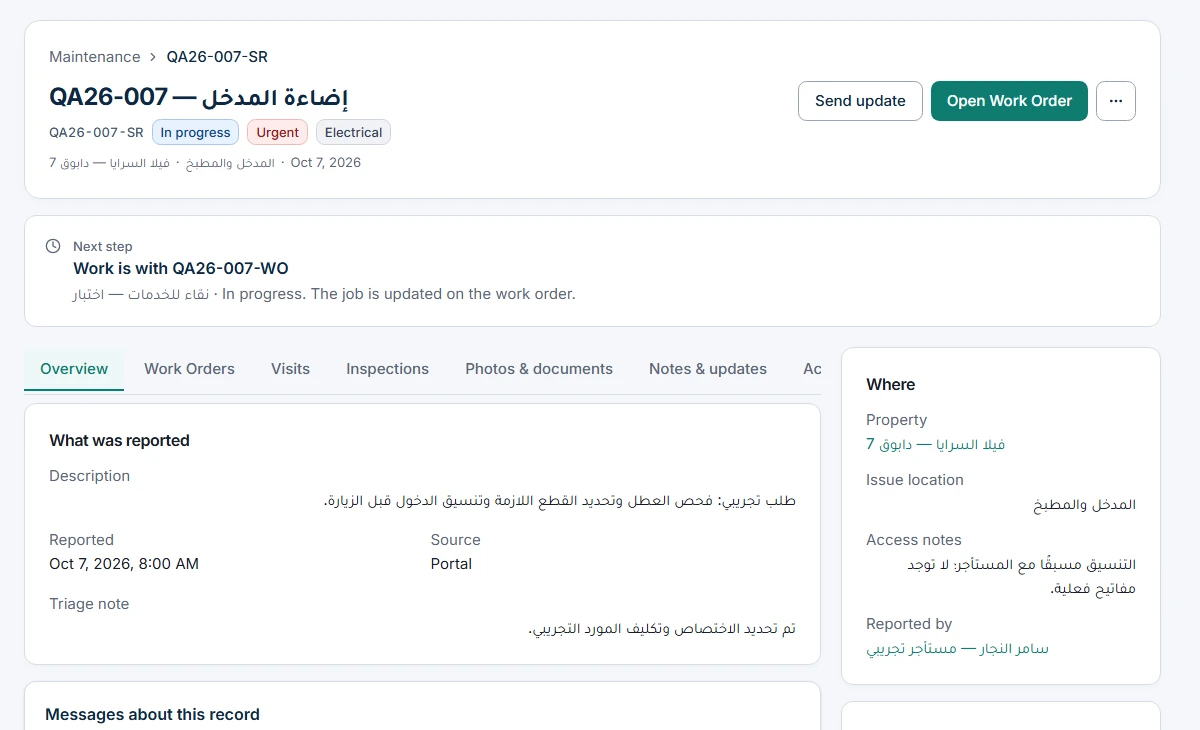 View the full-size screen ↗
Before assigning work, confirm access instructions and whether photos or documents are needed. The location of the issue matters: a general property address does not tell the technician which entrance, unit or room needs attention.
Step 2: open the work order, not a disconnected task
Following the linked work order preserves the original request and its context. The work order has its own status, assignment, instructions and visits. In this example the interface asks the team to record a past visit's outcome before moving the job on.
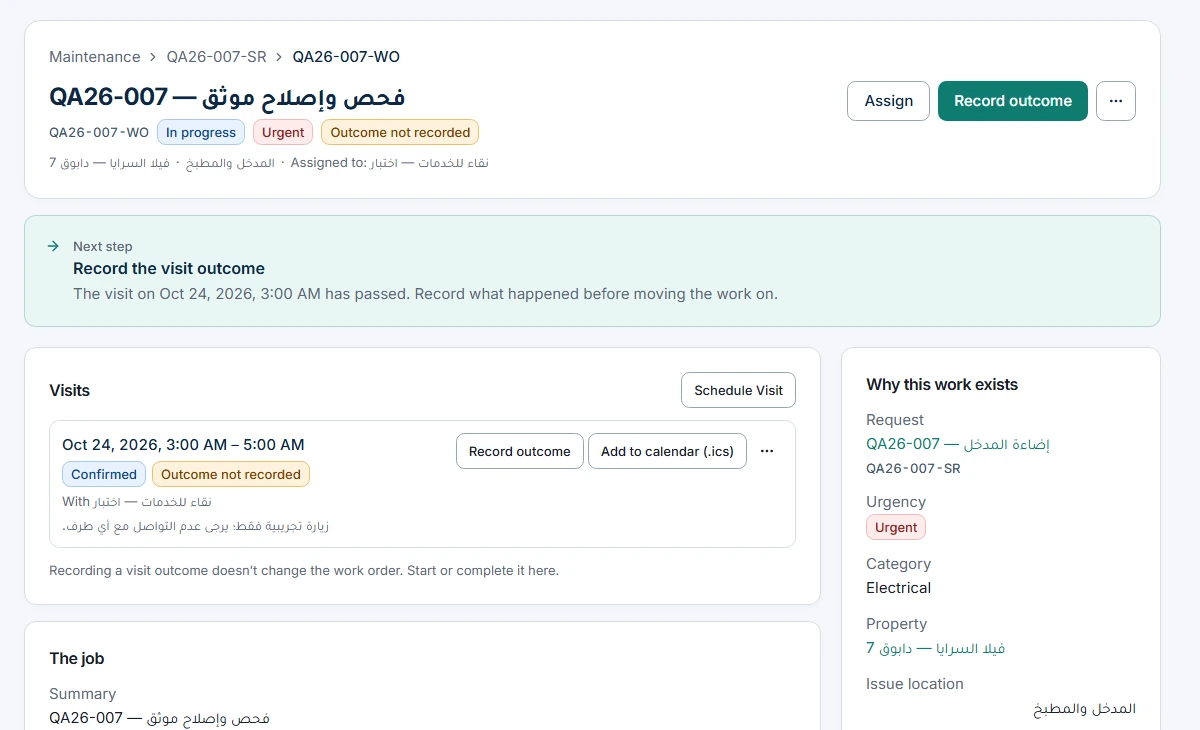 View the full-size screen ↗
This is a useful operational distinction. Staff can ask whether the technician attended, could gain access, diagnosed the issue or needs another visit. Those answers should become part of the record rather than a new conversation with no connection to the job.
Step 3: keep the visit, job and reported problem separate
Recording a visit outcome does not automatically complete the work order. Completing the work does not automatically prove the original issue is resolved. The implementation keeps these decisions separate, including inspections and published summaries where used.
If a resolved issue persists, the tenant workflow provides a specific return-to-follow-up path under its status rules. A closed request has a different boundary. Ask for both cases in acceptance rather than treating every final-looking status as interchangeable.
What should the tenant see?
A future scheduled or confirmed visit can justify a scheduled-visit status. A cancelled visit, a past appointment or a work order alone cannot establish that the technician is on the way. The captured example deliberately shows a past visit requiring follow-up; it is not presented as an upcoming appointment.
Document visibility needs similar care. Internal notes, inspection details and tenant-visible files have different audiences. Decide what staff publishes and what the owner or tenant portal should show. Access must follow the property and tenancy relationship, not merely a guessed URL.
How to evaluate the workflow with your team
- Submit a clear test issue with a location and attachment.
- Assign a staff member or vendor and inspect the resulting work order.
- Schedule, cancel or miss a visit and check the explanation shown to each role.
- Record the outcome, complete work and resolve the issue as separate decisions.
- Test a persistent issue and confirm who owns the next action.
Use reminders to support these tasks, not to replace their records. A sent notification does not prove a visit happened, and a failed notification should not make the maintenance issue disappear from the team's queue.
Continue with the workflow you need
- Property management software: what should it connect?
- Real estate CRM: from enquiry and viewing to contract
- Rent collection software: dues, receipts and allocation
- Owner and tenant portals: access without exposing everything
- Property automation: reminders, delivery status and integrations
How this walkthrough was prepared
We reviewed the AmlakOS implementation and opened its local demo on November 4, 2026. Screens show actual interfaces with synthetic fixtures, cropped to the relevant area without changing their content. Interface states alone do not establish customer outcomes or successful external delivery.
More perspectives