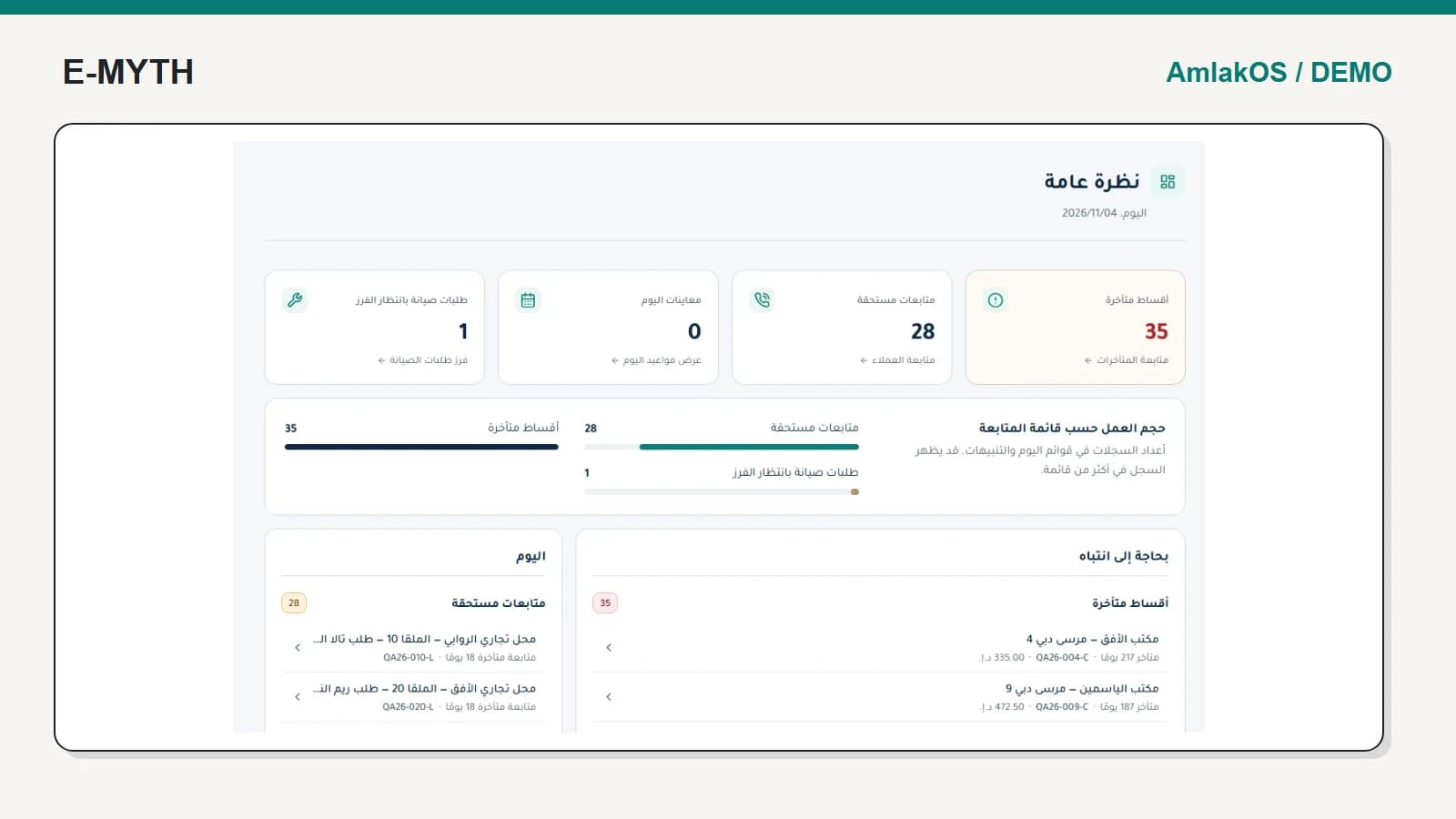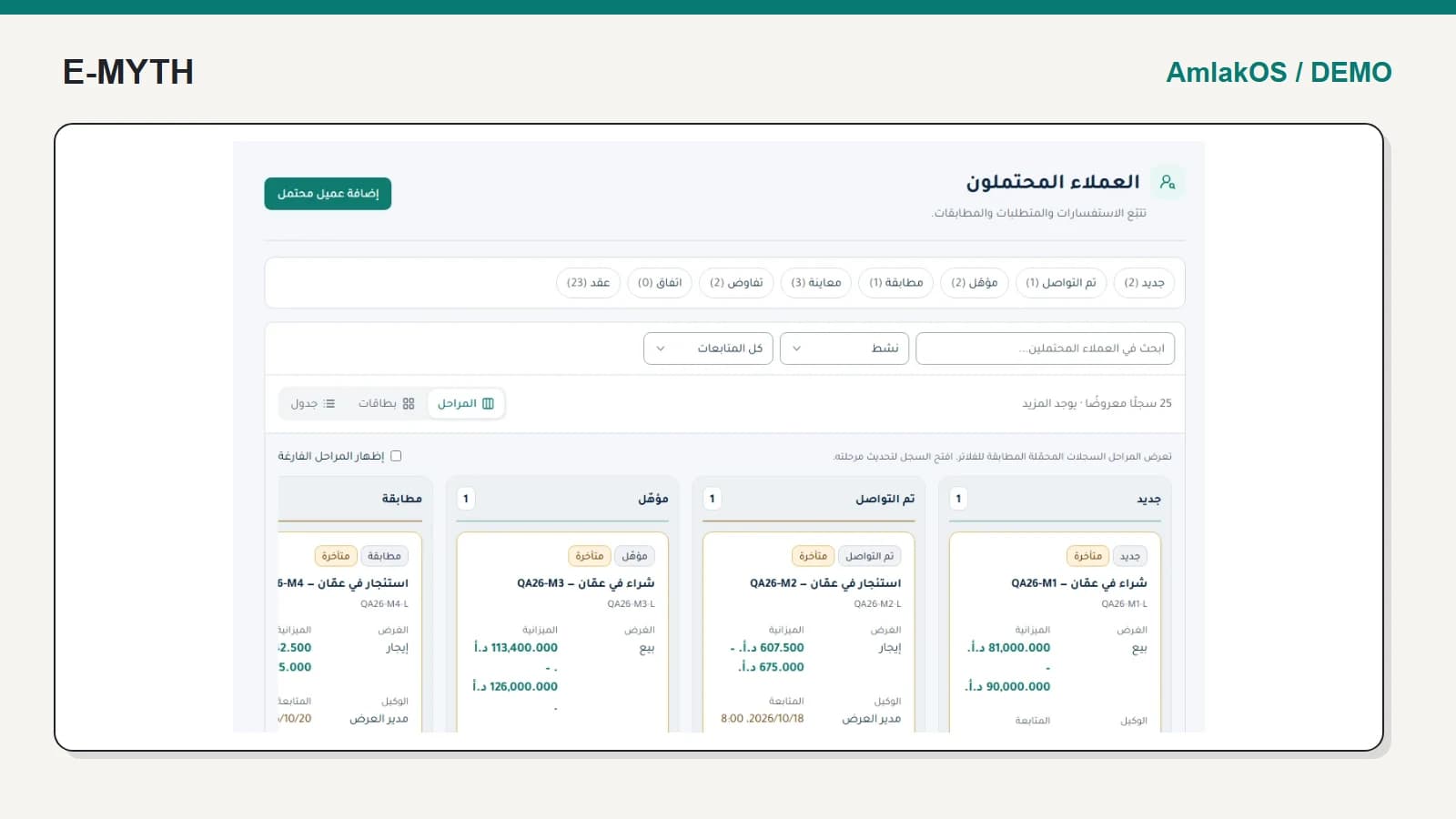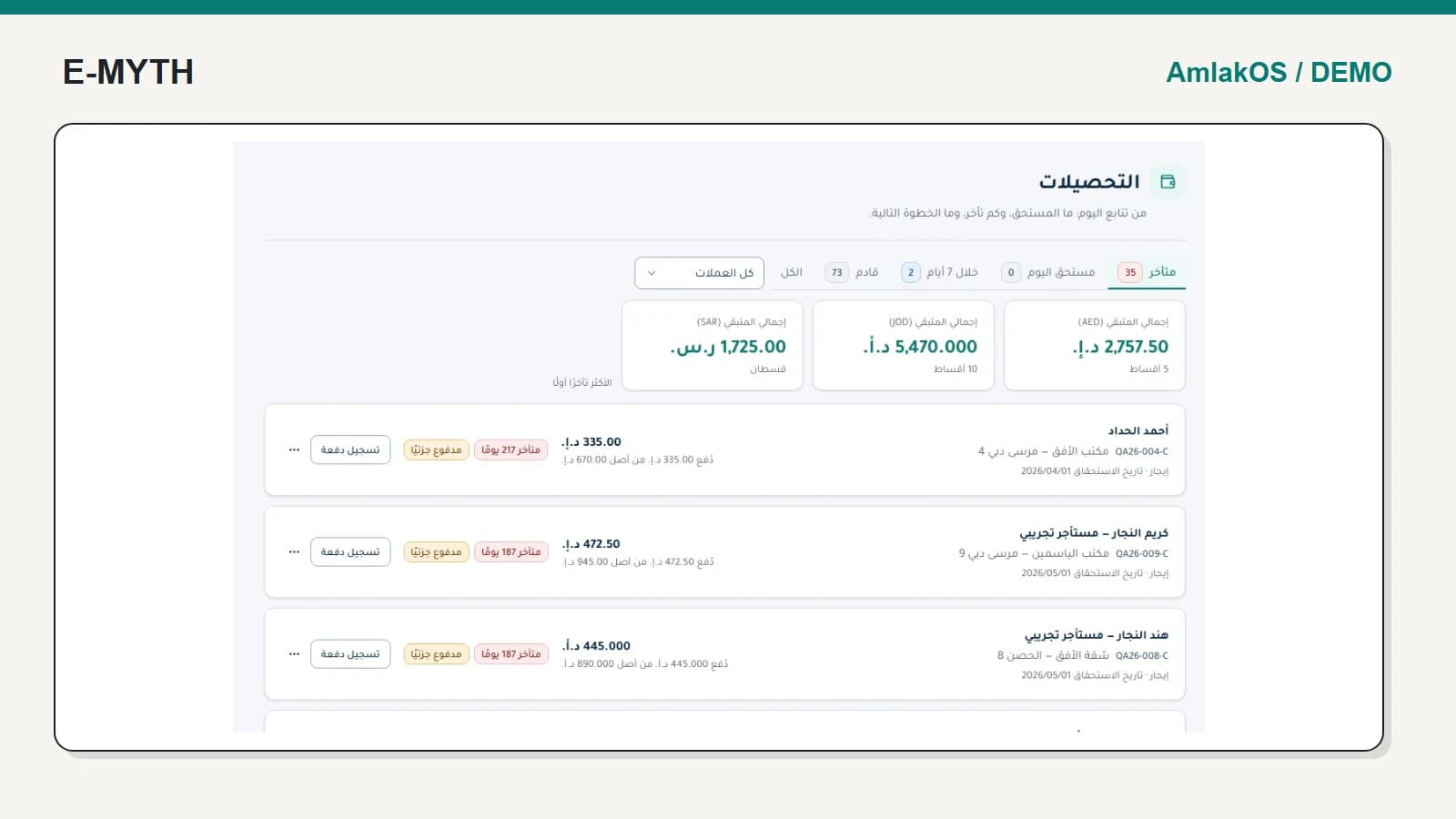

External access should reduce routine requests without giving an owner or tenant the staff team's entire workspace. The right portal starts from the person's relationship to the property and exposes the records needed for that role.
For this walkthrough we signed into a synthetic owner account in an isolated local AmlakOS demo. The screenshots are from that account, not a staff screen relabelled as a portal. Tenant capabilities described below are a separate implemented workflow, not actions performed by the owner.
Give the owner a scoped starting point
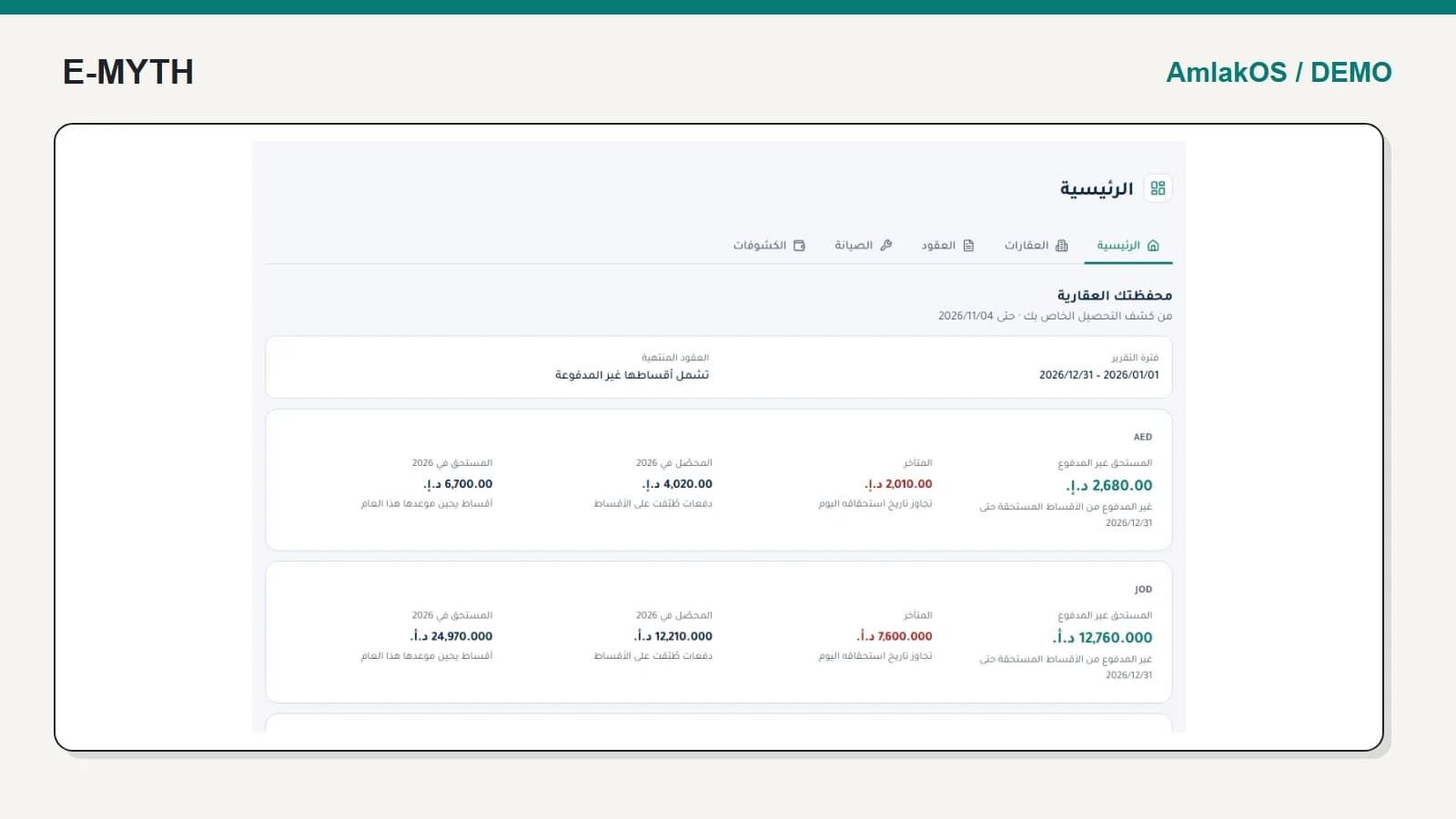
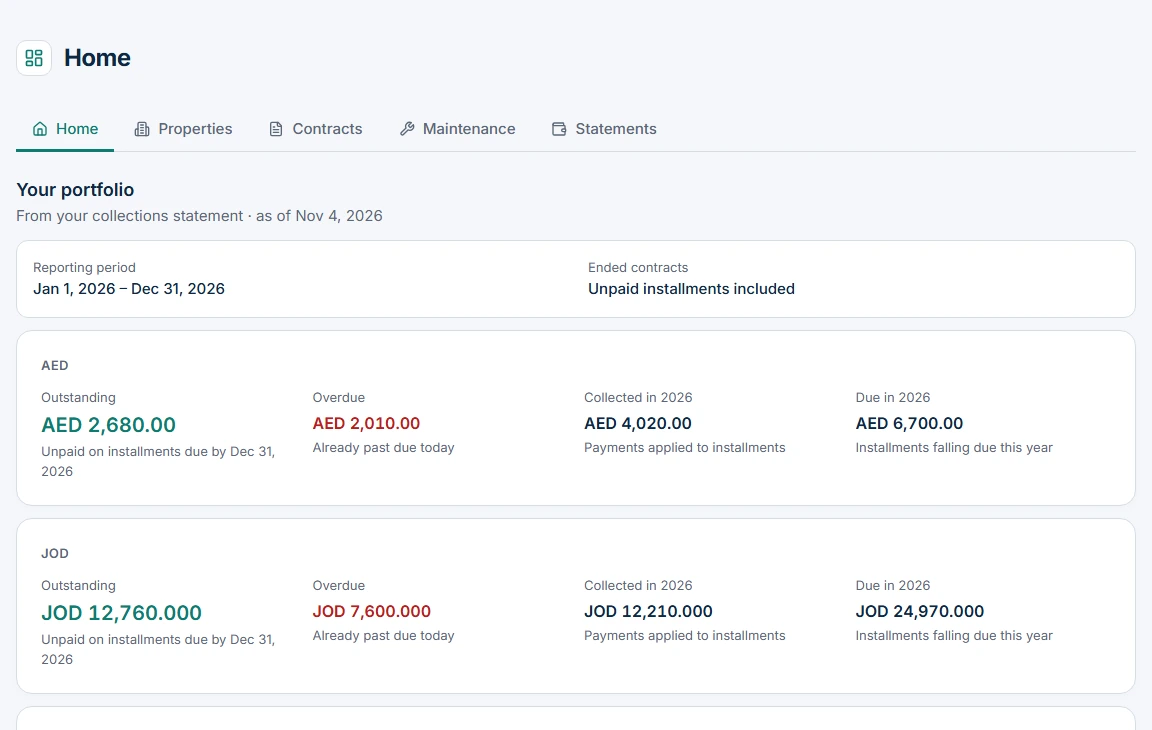
An owner typically needs to understand the properties and financial records they are entitled to see. The owner home presents a statement-based view and property-level collections. That scope is part of the feature: showing more information is not automatically better access.
 View the full-size screen ↗
Ask the owner to identify a property and explain what the displayed collection figure covers. If it cannot be reconciled to a statement, clarify the definition before introducing another dashboard metric. Do not promise an occupancy metric that the current owner home does not provide.
Let the owner inspect the statement behind the summary
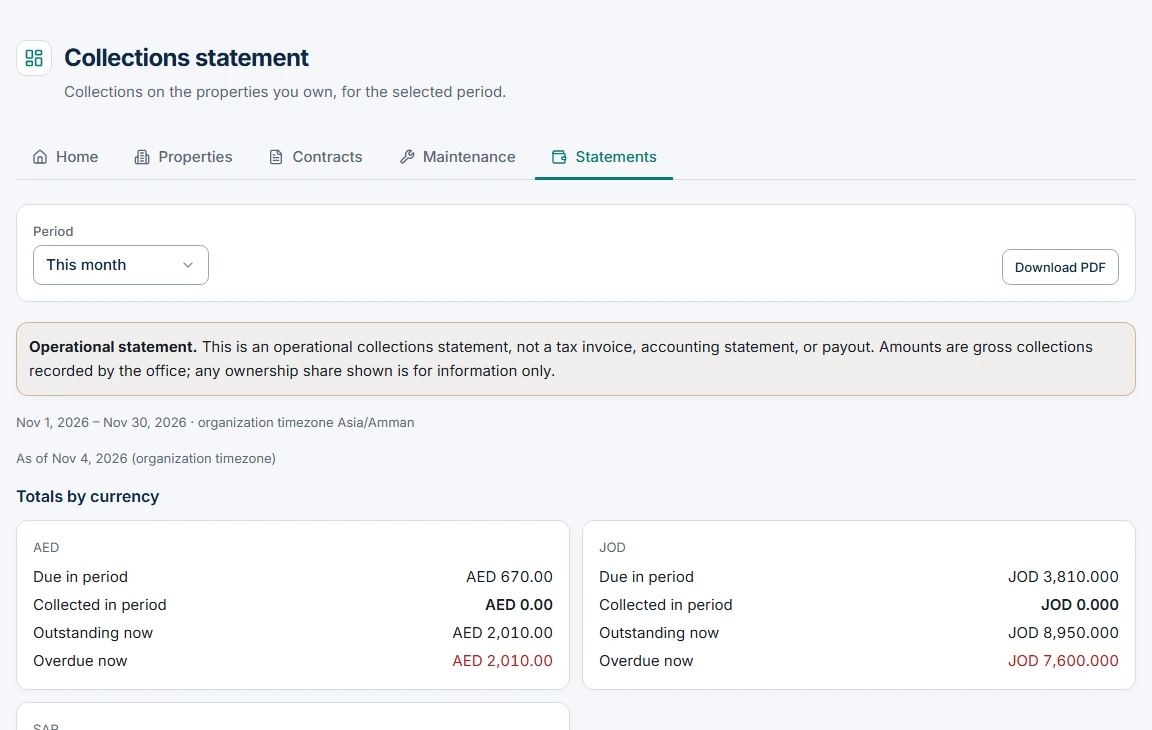
The statement is where the period, currency and underlying lines matter. A summary should not become a competing calculation with a different meaning. The project's owner overview uses the statement's scope rather than inventing another collection total.
 View the full-size screen ↗
Shared contracts and documents are also explicit decisions. An owner should not receive an unrelated tenant's complete file merely because one property appears on their home screen. Ownership transfers require careful treatment of historical entitlement; this must be tested with the relevant account relationships.
The tenant's questions are different
A tenant needs their contract, current obligations, receipts and shared documents, plus a way to report and follow maintenance. The portal's task-oriented home separates overdue, due and upcoming obligations. A test payment option is not proof that live online payments are activated.
The collection guide explains amounts and payment application. The maintenance guide explains why a tenant's scheduled-visit state needs a real upcoming visit and why a persistent issue may require follow-up.
Design access around records, not hidden navigation
Removing a menu item is not sufficient protection. Test a direct URL, another property's identifier, a revoked invitation or grant, and a tenant attempting an owner-only statement. The implementation has role and record-scope checks; acceptance should exercise the relationships that your deployment will use.
Contract sharing and document publication should also be reviewed when a tenancy or ownership relationship changes. Decide what remains visible, to whom and for how long. Do not assume that hiding a current contract erases every previously downloaded copy.
Check the experience on a phone
Use the real tasks: find the next obligation, open a receipt, view a shared document and follow a maintenance request. Check Arabic direction, currency formatting, keyboard focus and empty or unavailable states. A portal that requires calling the office to decode every status has not achieved its purpose.
What belongs in your acceptance pack?
Include an owner, a tenant, a second unrelated property and a revoked account. Compare the owner home with the same-period statement, then check tenant-specific records. Record the expected result for each access attempt before testing. This gives you a concrete definition of useful self-service and of the information that must remain private.
Continue with the workflow you need
- Property management software: what should it connect?
- Real estate CRM: from enquiry and viewing to contract
- Rent collection software: dues, receipts and allocation
- Property maintenance: from request to visit outcome
- Property automation: reminders, delivery status and integrations
How this walkthrough was prepared
We reviewed the AmlakOS implementation and opened its local demo on November 4, 2026. Screens show actual interfaces with synthetic fixtures, cropped to the relevant area without changing their content. Interface states alone do not establish customer outcomes or successful external delivery.
More perspectives