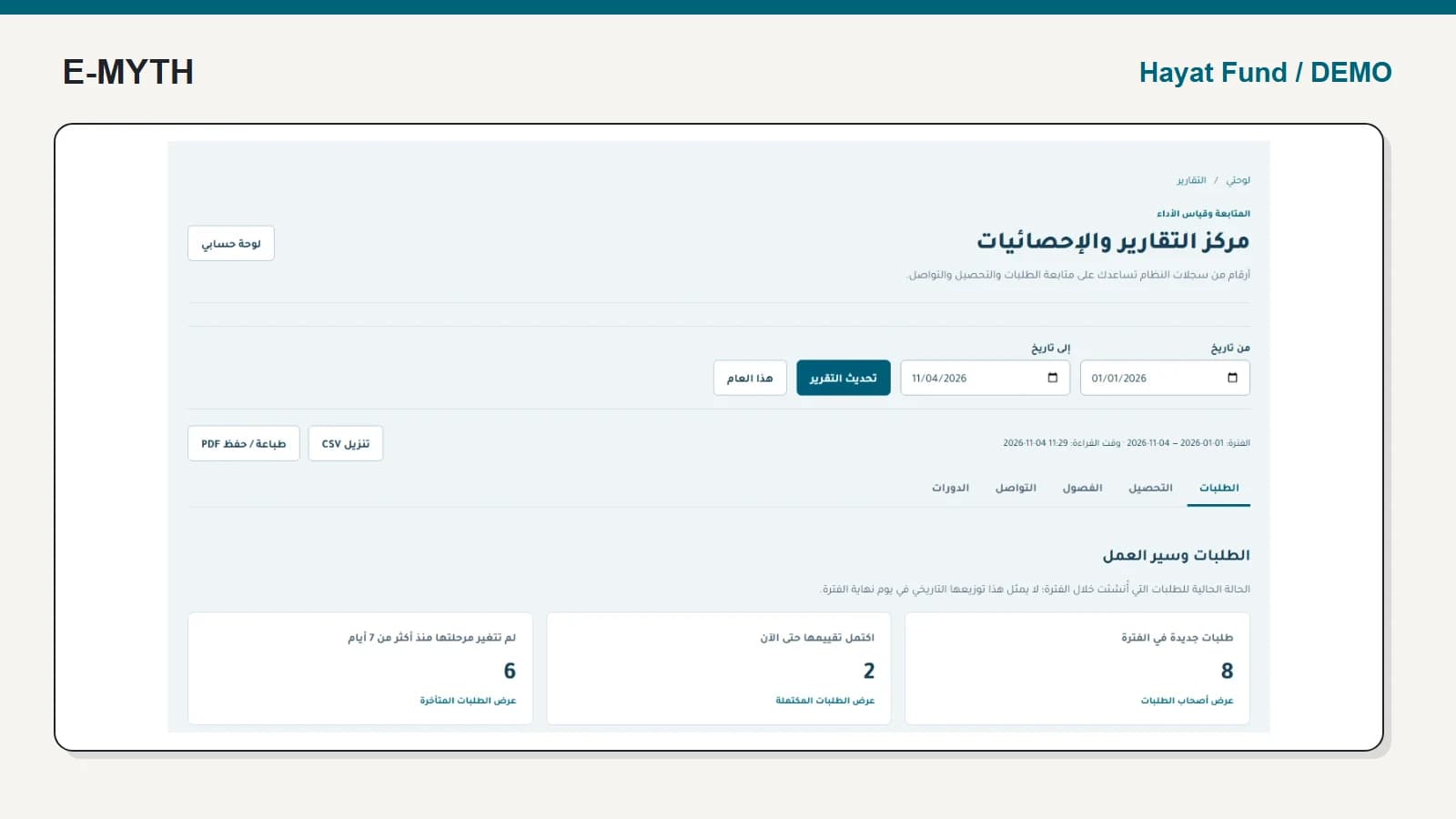

Accepting a student once does not answer whether this semester's documents are complete, whether eligibility continues or how much can be approved now. A recurring support workflow should preserve the original acceptance while checking the new semester separately.
This walkthrough uses Hayat Fund's synthetic presentation data. The actual interface is Arabic. We inspect the semester operations screen and a beneficiary support file without approving or paying any amount.
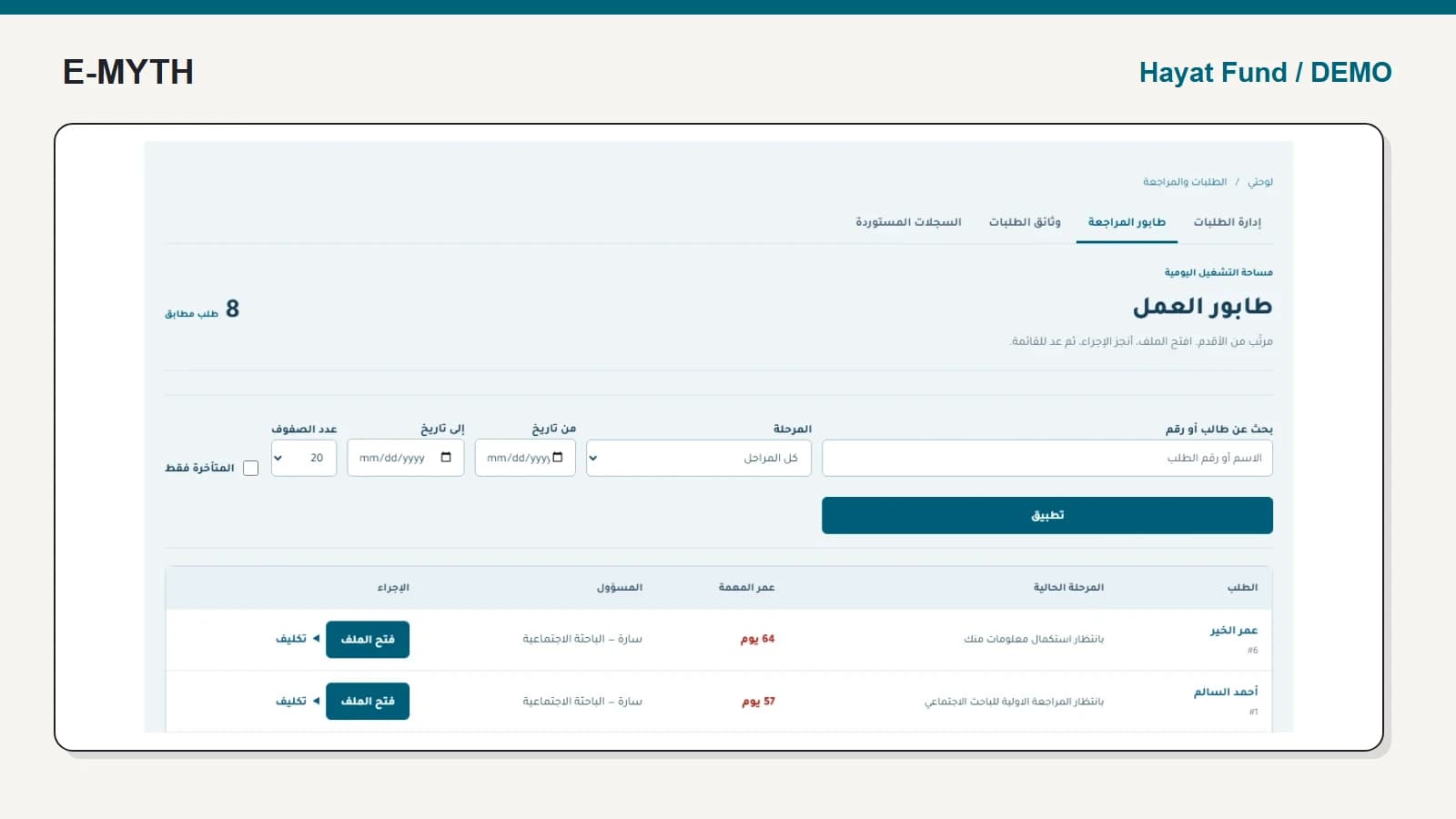
Start with the semester's document queue
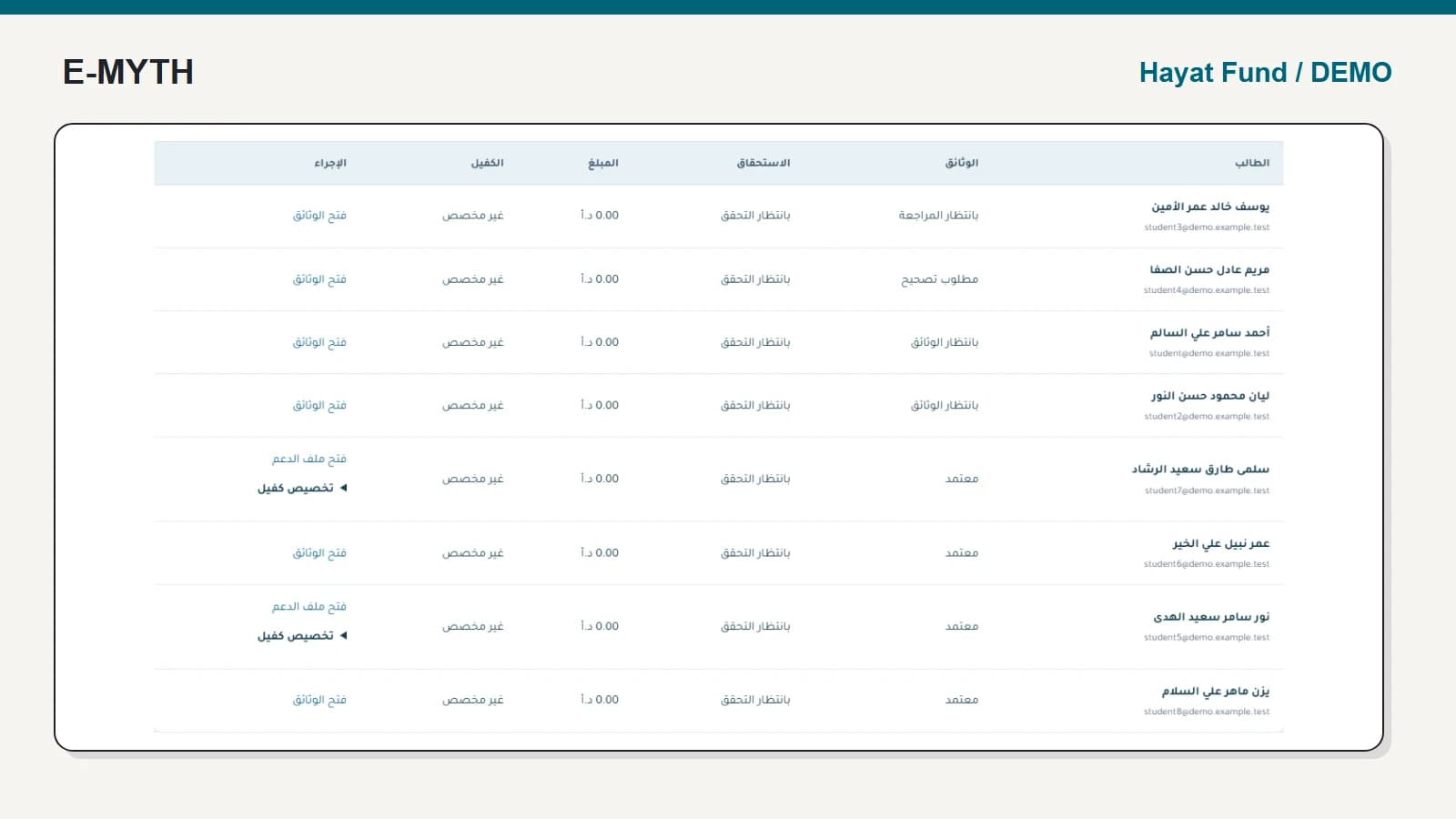
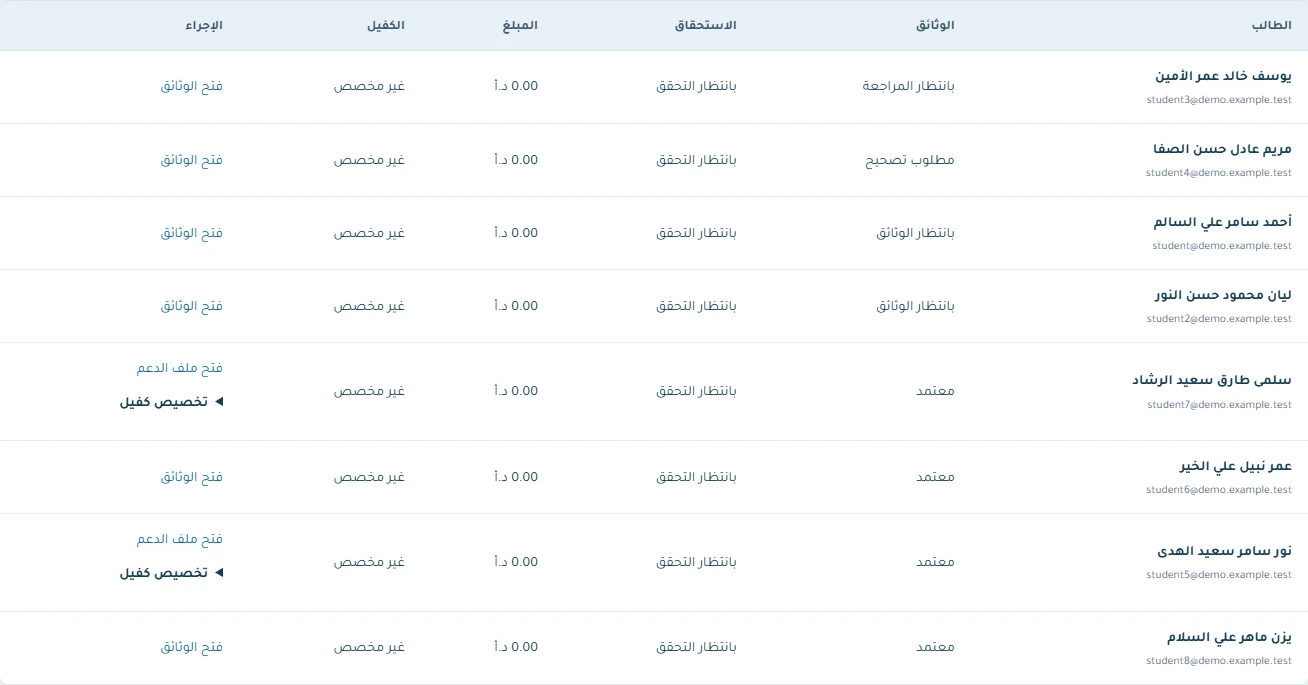
The semester workspace separates people who have not uploaded documents, those awaiting review, those needing correction and those whose documents are approved. The same row also shows eligibility and support information, so the employee can see which decision remains outstanding.
 View the full-size screen ↗
Publish the required documents and deadline clearly, then test a correction and resubmission. Staff should be able to identify the latest version and explain what still needs attention. Closing a submission period should follow an agreed policy for exceptions rather than an improvised exchange of attachments.
Continue to the beneficiary's support file
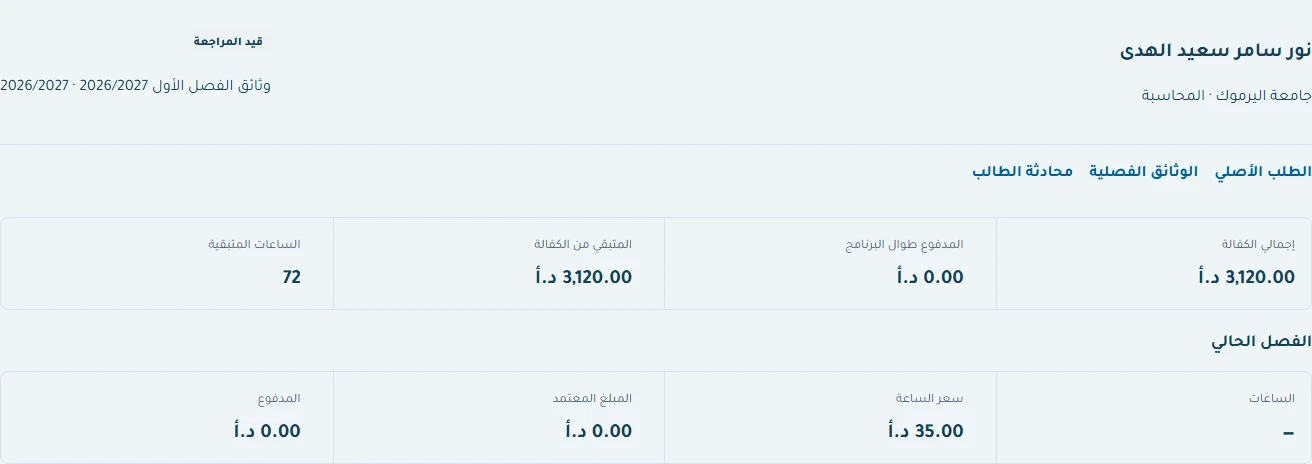
The example file distinguishes total planned sponsorship, lifetime recorded payments, remaining sponsorship and current-semester figures. In this fixture the plan is 3,120 JOD, recorded paid amount is zero and the file remains under review. A plan of 3,120 does not mean that amount has been approved for this semester.
 View the full-size screen ↗
Follow the original application and semester-document links if a decision needs evidence. This is why a continuing beneficiary record is preferable to a new disconnected row each semester.
Make the eligibility and calculation decisions explicit
The form separates registered hours, hourly price, registration fees, academic information, approved amount and continuing eligibility. Define your policy for eligible, ineligible and authorised-exception states with the responsible people. The system should preserve the decision and its reason, not infer it from an old acceptance.
Implemented checks require approved semester documents and an allowed eligibility state before payment readiness. The approved amount is constrained by the semester calculation and already recorded payments. A screenshot of a form does not itself prove these rejection paths; include them in acceptance tests.
Record disbursement as a later event
A payment record needs its amount, date and reference under your agreed process. Approval is not proof that money moved, and a recorded disbursement is not automatic bank execution. Check a partial payment and the remaining support balance before accepting the workflow.
The system's unfunded-hour calculation is also not an academic transcript. Fully funded semester hours and academically passed hours answer different questions. Do not use one as a substitute for the other in reporting or student communications.
Sponsorship allocation is not collection
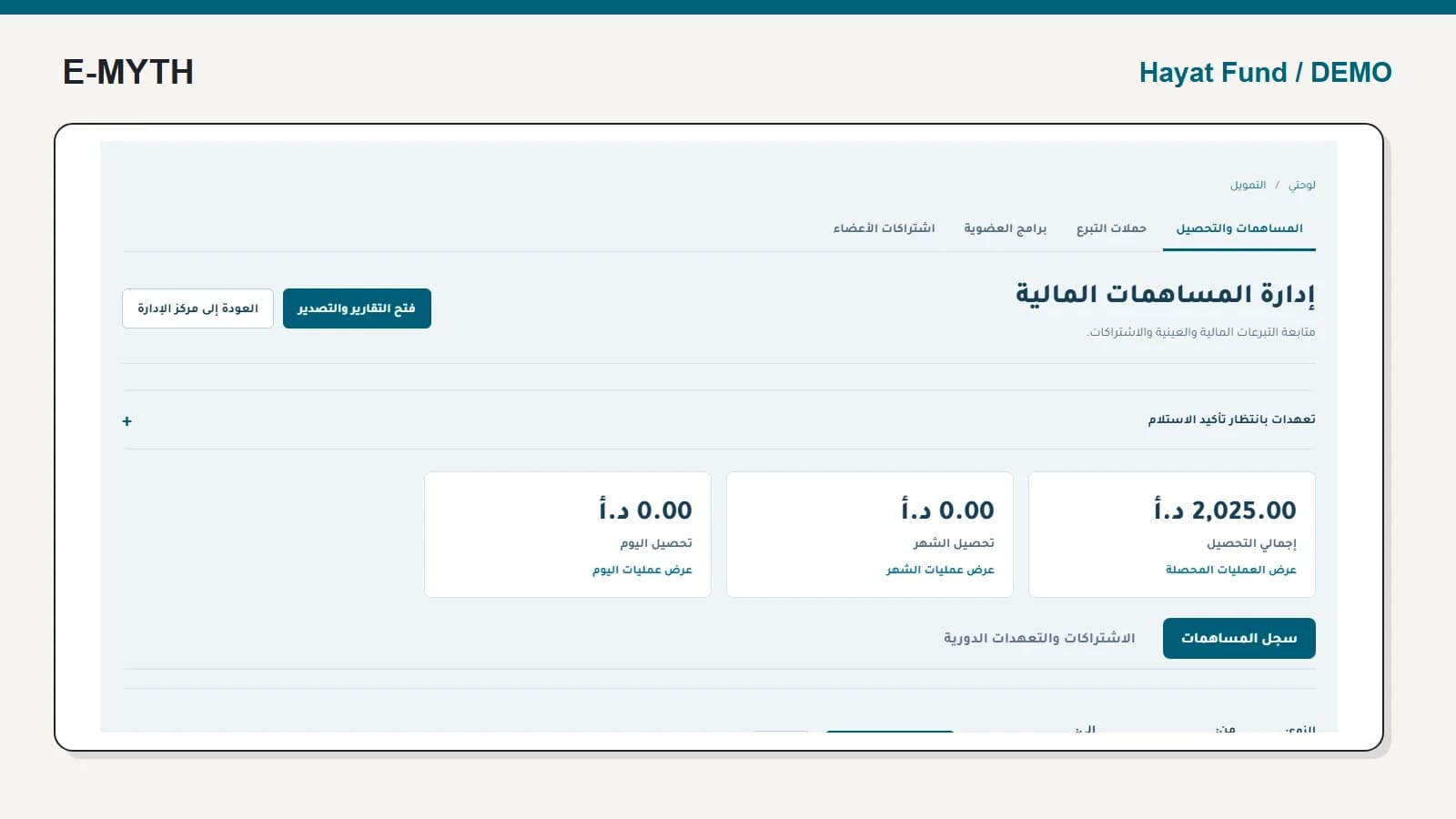
The semester workspace can link a sponsor to an eligible beneficiary case. That allocation must respect the applicable scope and limits. It does not prove the donor paid. Keep the fundraising and contribution records distinct from the beneficiary's approved support and recorded disbursements.
A demonstration worth requesting
Use one beneficiary through a missing document, a correction, document approval, eligibility review, calculated amount, payment readiness and a partial payment. Attempt readiness with a missing prerequisite, and attempt an amount above the permitted calculation. Inspect the explanation and retained history. Finally, open the next semester and confirm that the student's earlier decisions and payments remain traceable.
Continue with the workflow you need
- Scholarship management software: beyond the application form
- Support applications: reviews, missing information and decisions
- Donation management: pledges, collections and memberships
- Beneficiary communications: responses, reminders and delegation
- Institutional training and reports: from registration to evidence
How this walkthrough was prepared
We reviewed the Hayat Fund implementation and opened its local demo on November 4, 2026. Screens show actual interfaces with synthetic fixtures, cropped to the relevant area without changing their content. Interface states alone do not establish customer outcomes or successful external delivery.
More perspectives