
Short answer: creating a business website starts with one decision: what should a visitor do next? Request a quote, book a call, visit your office. Plan the pages and content around that action, choose the build approach that supports it, then launch with the technical basics in place. Most company sites that fail to produce enquiries were never built around a clear next step.
Buyers research online before they contact anyone. They compare a few companies, skim service pages and decide who seems credible. This guide walks through building a company website in the order the decisions actually need to be made, from purpose to post-launch.
Start with the goal and the audience
Write down, in one sentence, the main action you want from visitors. For example:
- A consultancy: "book an introductory call".
- A manufacturer or supplier: "request a quote for a specific quantity".
- A clinic or service centre: "book an appointment".
Then describe who is visiting. A firm selling to small businesses needs different language, proof and pages from one selling to large organisations or government. If you serve customers in more than one language, plan each language as its own audience rather than translating one version.
Plan the pages before the design
Most company websites need these pages, roughly in this order of importance:
- Home page: a clear statement of what you do and for whom, with the main call to action above the fold.
- One page per service: a single "Services" page rarely ranks or persuades. Each service deserves a page explaining the problem it solves, what the client receives and how to start.
- Work or case studies: a few real, verifiable examples outweigh any amount of description.
- About: who you are and how you work, without claims any competitor could copy.
- Contact: a short form, phone or messaging, email and location if relevant.
- Privacy policy and terms: required as soon as you collect personal data.
- Blog (optional): worth it only if you can publish original, useful content consistently.
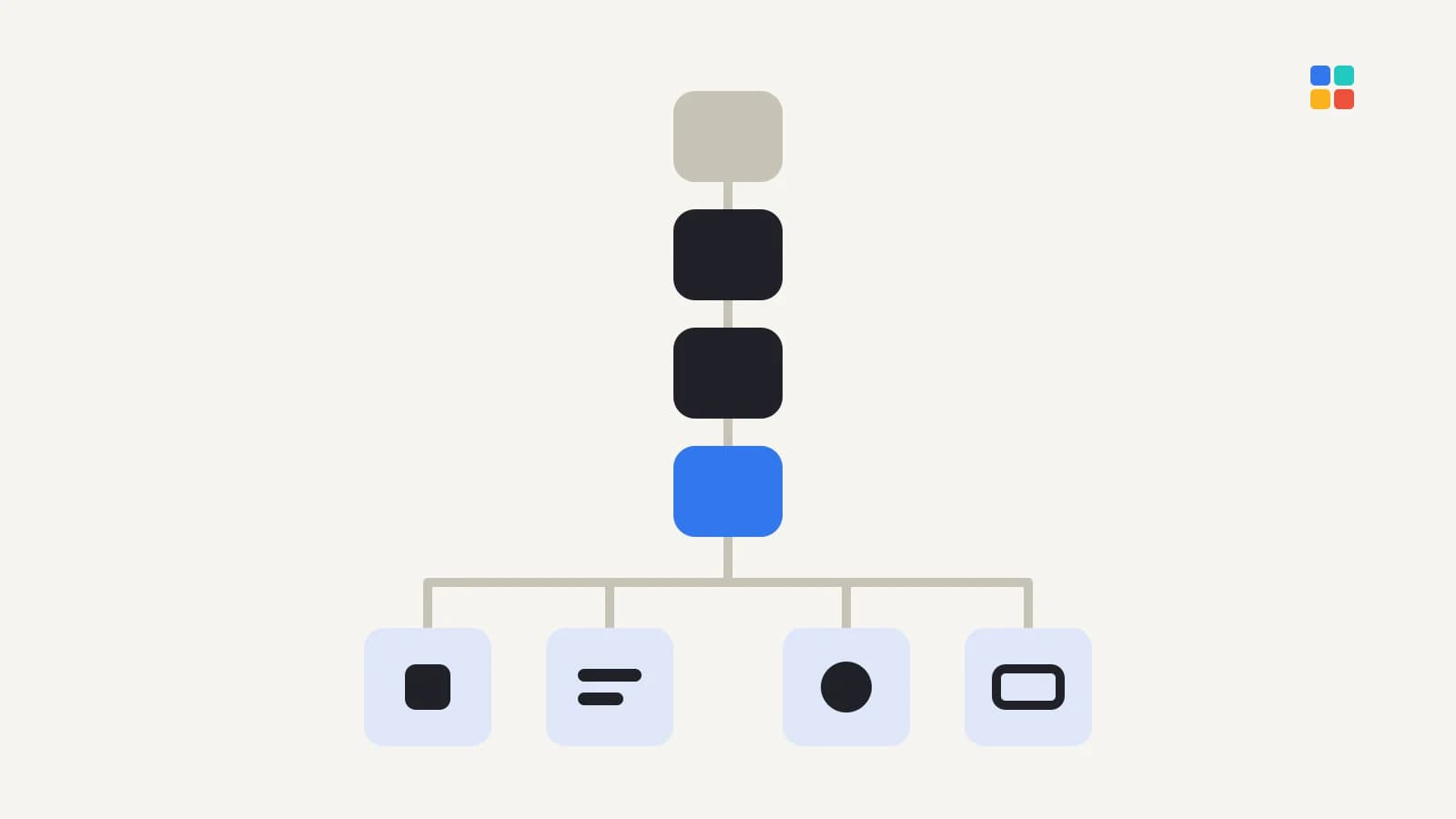
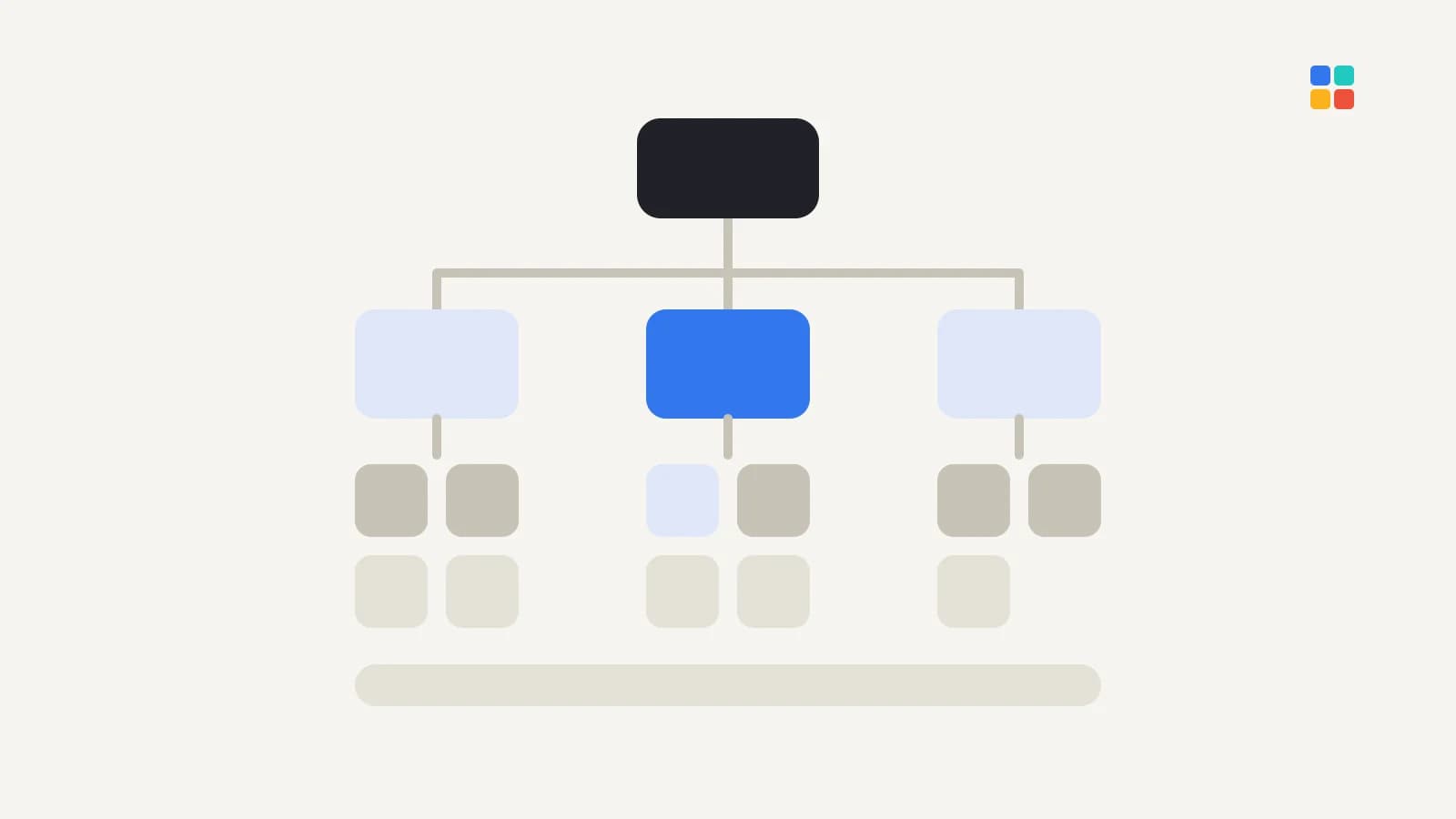
Sketch these as a simple sitemap and give each page one purpose and one next step before anyone opens a design tool.
Template, WordPress or a custom build?
Choose by what the site must do, not by price alone:
- Website builder or template: fine for a small brochure site that rarely changes; fast and inexpensive, with limited flexibility.
- WordPress with a custom design: a practical middle ground for many companies, with a familiar editor and plugins, but it needs regular updates and security maintenance.
- Custom build: right when the site must connect to other systems (CRM, bookings, inventory), needs full control over performance and security, or when the online experience is part of what you sell.
Whatever you choose, make sure you own the domain, hosting accounts, content and data. For how design and development responsibilities differ, see website design vs web development.
Design for understanding, then for action
A company website succeeds when visitors understand the offer quickly and can act easily:
- Lead with a headline that names the service in your customer's words, not a slogan.
- Keep the primary call to action visible at the top, at the end of each page and on mobile.
- Put proof near decisions: real projects, client logos used with permission, genuine testimonials, certifications.
- Design for mobile first; that is where most visits start.
Write content that explains and persuades
Before writing a service page, answer four questions: What problem does the client have before contacting you? What exactly do you do about it? What do they get at the end? How do they start, and what happens next?
Replace generic lines like "we deliver high-quality solutions" with specifics: typical timelines, what a proposal includes, what you ask in the first meeting. Specific content is what separates you from a competitor with a similar design.
Build a fast, secure, indexable foundation
- Speed: test key pages with PageSpeed Insights before launch, especially on mobile.
- Security: HTTPS, updates, backups and limited admin access.
- SEO basics: a unique title and description per page, readable URLs, an XML sitemap and organisation structured data. Google's SEO Starter Guide covers what matters and what does not.
- Measurement: connect Google Search Console and analytics so you can see where visitors come from and where they drop off.
What does a business website cost?
Cost follows the number of pages and languages, how custom the design is, integrations with other systems, who prepares the content, and yearly running costs such as hosting, domain and maintenance. Our website cost guide breaks these down with published price ranges. The cheapest launch can become the most expensive site if it needs rebuilding a year later.
Choosing who builds it
Review live work you can actually use, then ask how they work: do they start with your business before proposing a design, who writes the content, who owns the domain and code, and what support looks like after launch. Our guide to what a website development company should deliver covers the process and deliverables in detail.
Pre-launch checklist
- Every link works; no placeholder pages or dummy text.
- Forms actually deliver to the right inbox.
- Pages work on phones, desktops and common browsers.
- Each page has its own title and meta description.
- If you are replacing a site, every old URL redirects to its closest new page so search visibility is not lost. See when a website needs more than a new look.
- The site is verified in Google Search Console and the sitemap submitted.
Common mistakes
- Designing before deciding what the site is for.
- A crowded home page where nothing stands out.
- No clear next step at the end of pages.
- Ignoring mobile speed.
- Not owning the domain or admin accounts.
After launch
Once a month, look at the most visited pages, the pages people leave quickly and the enquiries received. Update service pages when your offer changes, add new work and keep security updates current. That routine is what turns a finished project into a website that keeps working for the business.
Frequently asked questions
How long does it take to build a company website?
It depends on the number of pages and languages, how custom the design is, integrations, and how quickly content is ready. Content preparation is often the slowest part, so start it early.
Is a good design enough for a successful company website?
No. Clear service pages, a visible next step, speed on mobile and a sound technical and SEO foundation matter as much as the visual design.
Does a company website need a blog?
Only if you can publish original, useful articles consistently. A blog that answers real customer questions supports search visibility and trust; an abandoned one does the opposite.
Is a ready-made template better than a custom website?
A template suits a simple brochure site. A custom build pays off when the site connects to other systems, needs full control over performance, or is part of how you deliver your service.