
Short answer: custom CRM development makes sense when your sales or service process does not fit off-the-shelf tools, when you need deep integration with systems you already run, or when per-user subscription costs grow faster than the value you get. If a standard CRM fits how you work, subscribe first and customise later.
What is custom CRM development?
A CRM (customer relationship management) system keeps customers, conversations, deals and follow-ups in one place. Custom CRM development means building that system around your own process, fields and integrations, instead of adapting your process to a product built for everyone.
Signs you have outgrown an off-the-shelf CRM
- Your team keeps a parallel spreadsheet because the CRM cannot hold what matters.
- Key steps such as quoting, approvals or delivery happen outside the CRM.
- Data is entered twice because the CRM does not talk to your inventory, accounting or website.
- Workarounds and paid add-ons keep piling up.
- Arabic interfaces, right-to-left data or local workflows are poorly supported.
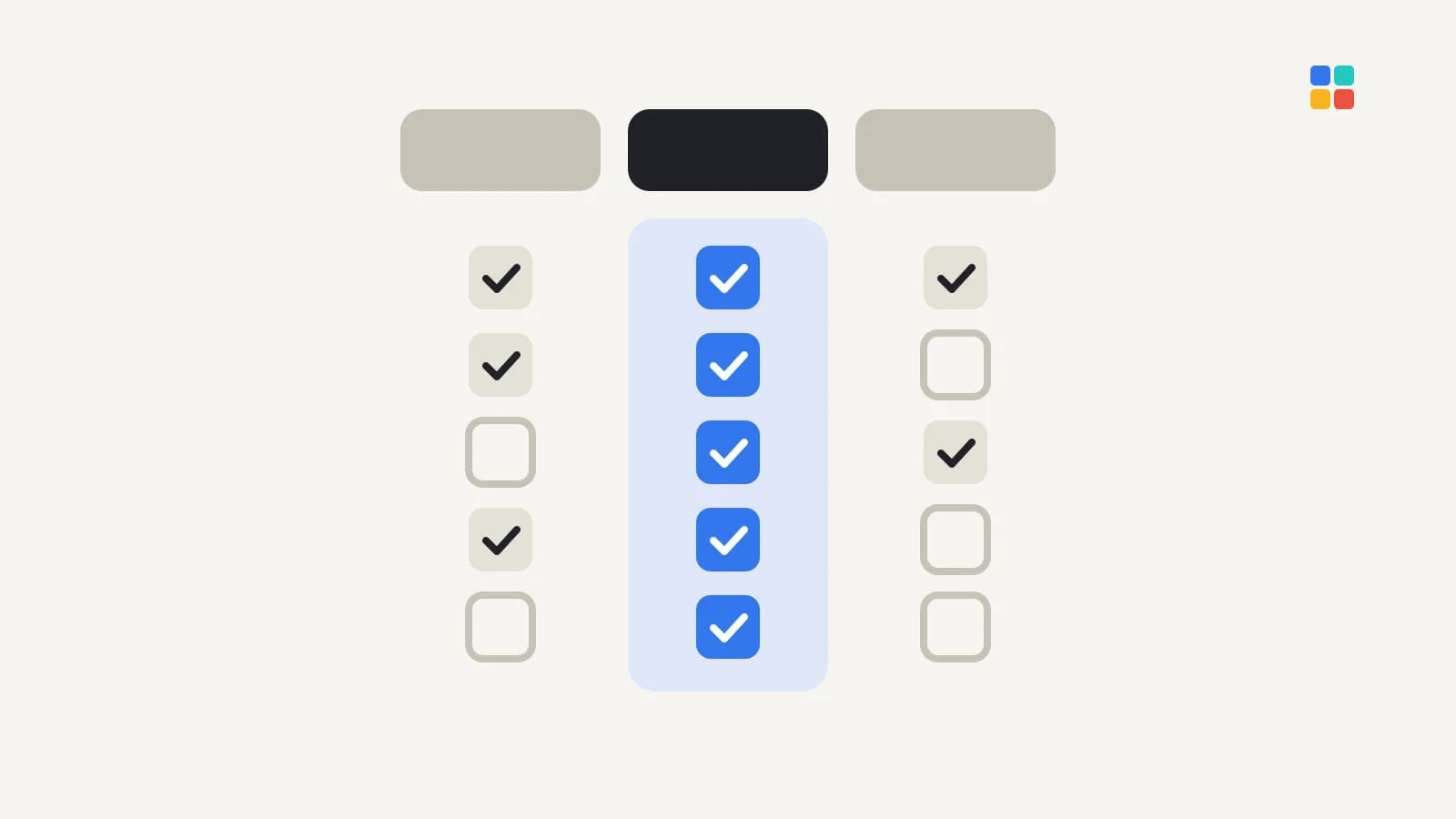
Build vs subscribe: an honest comparison
Subscribing to a ready-made CRM
- Fast to start and proven.
- Costs usually scale per user per month.
- You adapt to its data model and its roadmap.
Custom CRM development
- Fits your process, terminology and languages exactly.
- Integrates directly with your website, forms and internal systems.
- Higher upfront cost, and you need a plan for maintenance and hosting.
A useful middle path: keep a standard CRM for what it does well and build a small custom layer, or an integration, for the parts that are unique to you.
What version one should include
- Customer and company records with the fields your team actually uses.
- A pipeline that mirrors your real stages, from enquiry to delivery.
- Tasks and reminders so follow-ups are not forgotten.
- Website and form leads flowing in automatically.
- Roles and permissions, so people see what they need.
- Simple reports: pipeline value, response times, conversion by source.
Leave advanced automation, forecasting and mobile apps for later releases once the core is in daily use.
Workflows and automation
A CRM earns its keep when it removes routine work rather than adding data entry. Typical automations:
- New website or form enquiries create a lead and assign it to the right person by service or region.
- A reminder fires when a lead has had no reply within an agreed time.
- Moving a deal to "won" creates a task for delivery and, where connected, an invoice in accounting.
- Customers get confirmation or follow-up messages at defined stages.
Map the workflow on paper first; automating an unclear process only makes the confusion faster. Our integrations and automation service covers connecting a CRM to the tools around it.
Implementation stages
- Discovery: map the current customer journey, the tools involved and who does what.
- Data model: agree the records, fields, stages and permissions the team will actually use.
- Build the first version: records, pipeline, tasks, lead capture, roles and basic reports.
- Migrate data: clean and import existing customers and open deals.
- Pilot: a small group uses it for real work for a short period; adjust screens and fields.
- Roll out and train: move the whole team over, with short role-based training.
- Improve: add automation and reporting based on how the system is actually used.
What drives the cost
- Number of modules and the complexity of your workflow.
- Integrations with accounting, inventory, messaging or your website.
- Data migration from spreadsheets or an old system.
- Bilingual interface and reporting needs.
- Hosting, security, backups and ongoing support.
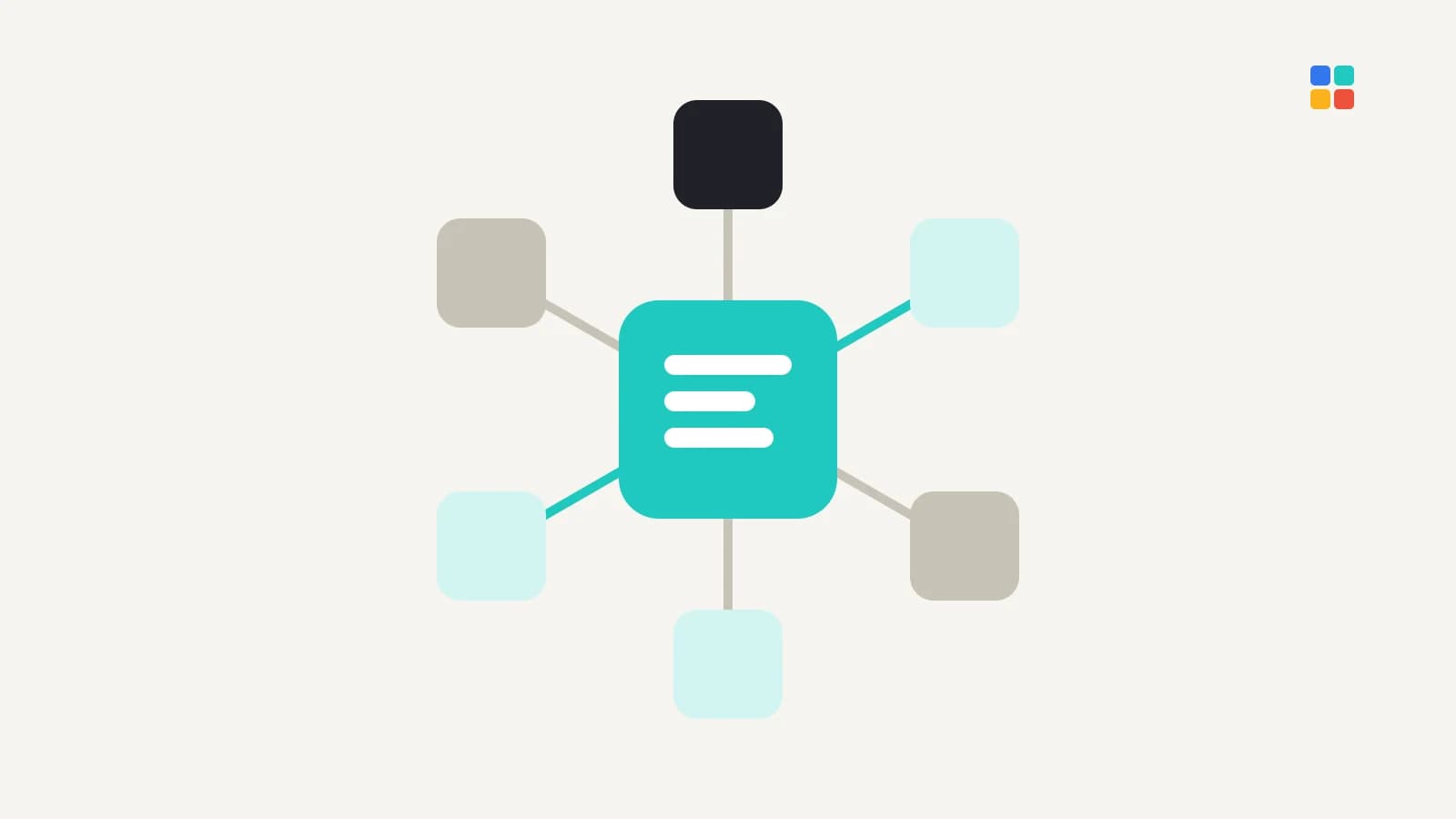
Common modules in a custom CRM
- Contacts and companies: the shared record of who your customers are.
- Pipeline and deals: stages, values and expected close dates.
- Quotes and approvals: generate a quote, route it for approval and track acceptance.
- Activities: calls, meetings, messages and notes linked to each customer.
- Service and support: tickets or requests after the sale.
- Reporting: pipeline, team activity and conversion by source.
Most businesses need three or four of these on day one. The rest can wait until usage shows where the next gain is.
Moving from spreadsheets without losing data
- Collect every sheet and tool where customer data lives today.
- Agree on one definition for each field, such as status, source and owner.
- Clean duplicates and outdated records before import, not after.
- Import a sample first and let the team check it against reality.
- Run the old and new process side by side for a short, fixed period, then retire the spreadsheet.
Measuring whether the CRM is working
A CRM succeeds only if people use it. Watch:
- Adoption: are records and activities being updated daily?
- Response time: how quickly new leads get a first reply.
- Pipeline accuracy: do forecasts match what actually closes?
- Time saved: fewer manual reports and less double entry.
If adoption is low, simplify screens and fields before adding features.
Maintenance after launch
A custom CRM is software you own, so plan for its upkeep: security updates, hosting and backups, monitoring, small changes as your process evolves, and support for users. Agree in advance who handles each of these, how quickly faults are fixed and how changes are requested and priced.
Protect your customer data
A CRM holds personal data by design. Define who can access what, keep audit trails, back up regularly, and follow the data protection law in your market. In Jordan that is the Personal Data Protection Law No. 24 of 2023.
Summary
Build a custom CRM when your process is your advantage and off-the-shelf tools force workarounds. Start with a focused first version and connect it to the systems you already use. Explore our business systems service or talk to E-MYTH about your workflow.
Frequently asked questions
Is a custom CRM better than Salesforce or HubSpot?
Not by default. Established CRMs are proven and quick to start. A custom CRM is better when your process, integrations or language needs force constant workarounds in a standard product.
Can a custom CRM connect to my website and accounting system?
Yes. Direct integration is one of the main reasons to build. Website forms can create leads automatically, and deals can sync with accounting or inventory, removing double data entry.
How should we start a custom CRM project?
Map your current customer journey and the tools involved, then define a focused first version covering records, pipeline, tasks, lead capture, permissions and basic reports.